Sides of Gravity Unblocked — Play Free Online
More Speedrun Platformers games
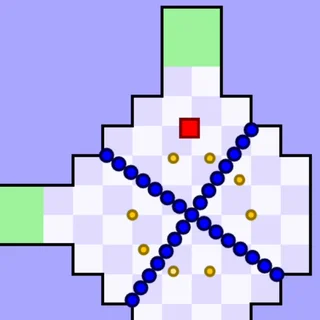




Sides of Gravity unblocked: play Sides of Gravity online free right here in your browser — no download, no sign-up, works on a school Chromebook.
Sides of Gravity is a cooperative puzzle platformer where you control two distinct characters simultaneously on a single keyboard. What makes the challenge unique is that each character lives under a different orientation of gravity. While one character falls toward the floor, the other might fall toward the ceiling or side walls. Navigating both figures through spike-filled chambers requires sharp spatial awareness and split-brain coordination.
For players visiting Pixel Speedrun who appreciate precision movement and route optimization, Sides of Gravity offers a refreshing mental twist. Instead of simply testing how fast you can dash across flat ground, the game forces you to constantly reorient your perspective. Every corridor presents a dual hazard: a leap that is simple for your primary runner could easily fling your companion directly into a bed of spikes.
The core objective in each chamber is straightforward: guide both characters safely to their respective exit portals. However, because both runners share the screen at once, success demands careful planning. You can choose to pilot both characters together with two hands, or partner with a friend sitting beside you for couch co-op teamwork.
Controls and movement
Controlling two independent gravity fields requires dedicated keyboard inputs for each runner:
- WASD keys: Move and jump with the first character according to their local gravity orientation.
- Arrow keys: Move and jump with the second character according to their gravity alignment.
- R key: Instantly restart the current stage whenever a character gets trapped or hits an obstacle.
Remember to click inside the game window once before starting so the browser registers your keyboard inputs without scrolling the page.
Strategies for clearing tricky stages
Tackling dual gravity puzzles becomes much more manageable with a disciplined approach:
- Park one runner in safety: Unless a puzzle specifically requires simultaneous motion, guide one character into a secure nook before focusing your full attention on maneuvering the second character.
- Analyze the gravity axes before moving: Before pressing any keys at the start of a level, identify which way is down for each character. This prevents accidental jumps into lethal ceiling spikes.
- Use obstacles as resting points: Neutral blocks and ledges often provide safe footing where a runner can wait while you solve the other half of the room.
- Restart quickly after mistakes: Tap R the moment a run goes off track to reset the room immediately and maintain your solving rhythm.
Similar games on Pixel Speedrun
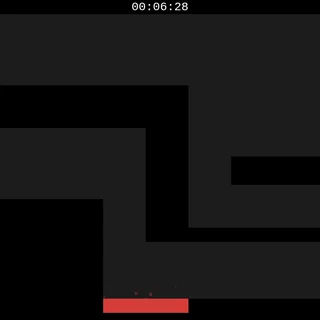
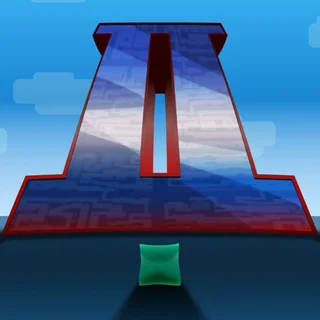
If you enjoy the coordination and platforming puzzles in Sides of Gravity, try other titles across the catalogue. Two Button Bounce strips controls down to minimal timing puzzles, while Slime Keyboard Escape tests your agility with specialized movement mechanics. If you prefer high-precision vertical platforming where every millimeter counts, Big Tower Tiny Square 2 delivers a relentless gauntlet of tricky jumps.
Sides of Gravity runs directly in your web browser with no downloads or installation required, making it easy to jump in for quick puzzle-solving sessions on any desktop or Chromebook.
Questions about Sides of Gravity
Is Sides of Gravity unblocked at school?
Sides of Gravity runs in an ordinary browser tab from pixelspeedrun.com, with nothing to download or install, so it plays on most school Chromebooks and work computers. If a network filter blocks the site, only that network's administrator can change it.
Can I play Sides of Gravity with a friend?
Yes, you can share a keyboard for two-player co-op, where one player controls WASD and the other uses the arrow keys.
What do the controls do in Sides of Gravity?
Use the WASD keys to move and jump with the first character, arrow keys for the second character, and press R to restart the stage.
Does Sides of Gravity save level progress?
The game stores your cleared stages locally in your browser cache so you can continue your run in future sessions.
Can I play Sides of Gravity on a Chromebook?
Yes, the HTML5 build runs smoothly in modern web browsers on Chromebooks, laptops, and desktop computers with a physical keyboard.